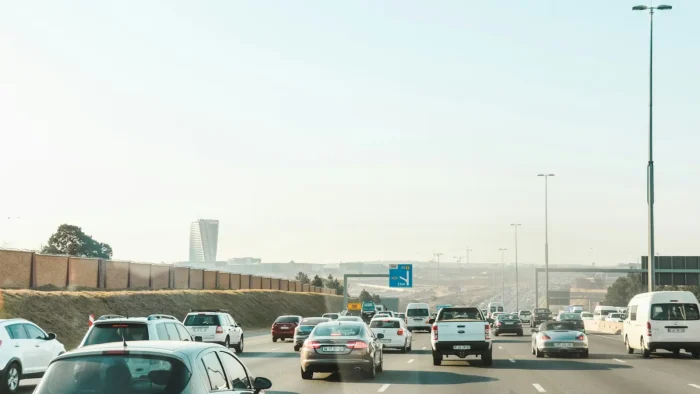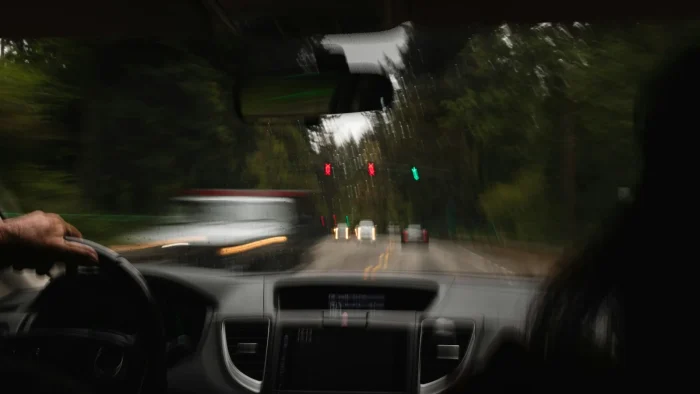
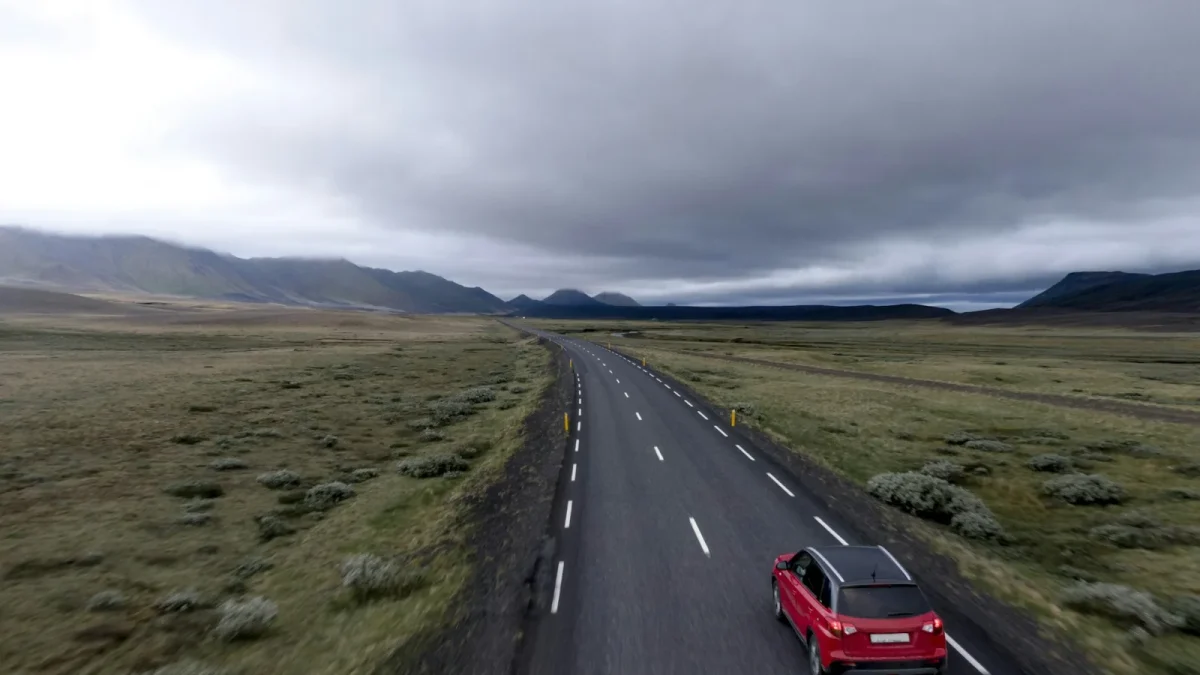
The first time your steering wheel gently tugs itself back toward the center of the lane, it can feel like the car has a mind of its own. That little nudge is lane keep assist doing exactly what it was built to do. I have spent years in service bays explaining this system to drivers who thought something was broken, when in reality the car was working perfectly.
Lane keep assist sits at the heart of nearly every modern driver-assist package, yet it is one of the most misunderstood features on the dashboard. Some drivers love it. Others switch it off within a week. Most simply do not know what the amber steering-wheel icon is trying to tell them.
This guide walks through how the system reads the road, why it turns on and off, what those dashboard symbols mean, and how to keep it working the way the engineers intended.
Key takeaways
- Lane keep assist uses a forward-facing camera to spot painted lane lines and steer you back when you drift without signaling.
- It is not self-driving. You must keep your hands on the wheel, and the system will nag you if you let go.
- Faded paint, snow, a dirty camera, or low speed will disengage it, and that is by design, not a fault.
- An amber lane symbol usually means a warning or a temporary loss of function, while green means the system is active and holding the lane.
What lane keep assist actually does
At its core, lane keep assist is a steering-support system. A camera mounted behind the windshield, usually near the rearview mirror, watches the lane markings ahead of you. When the car begins to wander toward a line without a turn signal on, the system applies a small steering input to nudge you back.
The key word is support. This is a hands-on-wheel feature. It assists your steering, it does not replace it.
People confuse the terms constantly, and I understand why. There is a real difference between a system that only warns you and one that actively steers. If that distinction matters to you, and it should, read our breakdown of lane keep assist versus lane departure warning to see how each one feels from the driver seat.
Lane centering takes it a step further
Many newer vehicles, especially those built from 2019 onward, add lane centering, which actively keeps you in the middle of the lane rather than only reacting at the edges. Toyota calls its version Lane Trace Assist, Honda folds it into LKAS, and Subaru builds it into EyeSight.
Centering feels smoother and more continuous than plain lane keep. The car quietly steers to hold the middle instead of bouncing you off the outer lines. If you want the full comparison, see lane centering versus lane keep assist, because the two get blended together in marketing brochures far too often.
How the camera reads the road
The camera is the eyes of the whole system. It processes the road dozens of times per second, tracing the left and right lane lines and calculating where the center of your lane sits.
Because it depends on vision, anything that blocks or confuses the camera will affect performance. A bug-splattered windshield, heavy rain, low sun glare, or a layer of road grime over the lens can all reduce how well it tracks.
Good to know
Most systems need a clear view of both lane lines, or at least one strong line, to engage. On a rural road with paint worn down to nothing, do not expect the system to hold. It has nothing to lock onto.
Faded paint is one of the most common reasons drivers think their system has failed. It usually has not. I wrote a full explainer on why lane keep assist fails on faded lane lines, and it is worth a read if your car seems to give up on older back roads.
Why the system turns on and off
This is the number one thing that frustrates drivers. You are cruising along, the green lane icon is lit, and then suddenly it drops out. Nothing is broken. The system simply lost the conditions it needs to operate.
Here are the usual culprits:
- Your speed dropped below the activation threshold, often around 37 to 45 mph depending on the brand.
- The lane lines faded, disappeared, or split at an exit.
- You went around a curve too sharp for the system to follow.
- The camera got blinded by sun, snow, or a dirty windshield.
- You took your hands off the wheel and the system escalated its warning before shutting off.
If yours drops out constantly, there may be a specific pattern behind it. Our guide on why lane keep assist keeps turning off ranks the most common reasons by how often I see them in the shop.
Watch out
Snow and slush are the toughest conditions for these systems. A camera packed with snow cannot see the road at all. If you drive in winter, read our piece on lane keep assist not working in snow so a dark warning light does not catch you off guard.
Reading the dashboard symbols
Color is your fastest clue. In general, green means the system is active and holding your lane. A gray or white steering-wheel-with-lanes icon usually means the feature is available but not currently engaged.
Amber, or yellow, is the one that trips people up. It can mean a warning, a temporary loss of function, or a departure alert.
Color tells you the mood of the system before you ever read a word of the manual. Green is calm, amber is a heads-up, red means act now.
The amber lane-departure symbol has its own specific meanings depending on the manufacturer, and I broke those down in what the amber lane departure symbol means. If your dash lights up yellow, start there.
The steering wheel nag
If you let go of the wheel, most systems flash a hands-on-wheel icon and then chime. Ignore it and the car escalates, sometimes to a loud alarm, sometimes to slowing the vehicle. This is the famous steering wheel nag alert, and it exists because lane keep assist is not autonomous driving.
Brand by brand differences
No two automakers tune these systems the same way. The names alone are a maze of acronyms.
| Brand | System name | Character |
|---|---|---|
| Toyota | Lane Trace Assist (LTA) | Smooth centering, works with cruise |
| Honda | LKAS + Road Departure Mitigation | Firm corrections near edges |
| Hyundai / Kia | Lane Following Assist (LFA) | Strong, confident centering |
| Subaru | EyeSight Lane Centering | Dual-camera, cautious in weather |
If you drive a Toyota, our deep dive on Toyota Lane Trace Assist covers its quirks. Honda owners should read up on Honda LKAS and Road Departure Mitigation, and Hyundai or Kia drivers will want the Lane Following Assist guide to understand how aggressive their centering feels.
Keeping the system healthy
Because everything hinges on that windshield camera, a few maintenance habits go a long way. Keep the glass clean, especially the strip right in front of the camera. Replace worn wiper blades so the lens gets a clear sweep in rain.
The bigger issue is calibration. Any time that camera is disturbed, it may need to be recalibrated so it aims correctly. This matters most after a windshield replacement, which is the single most common trigger for a system that suddenly stops working.
Tip
Before you replace a windshield, ask the shop whether calibration is included. Skipping it can leave your lane keep assist off or steering you incorrectly. Budget for it up front.
Calibration is not free, and prices vary widely by vehicle. Our breakdown of camera calibration cost gives real ranges so you are not blindsided at the counter.
When you just want it off
Some drivers, especially those who spend a lot of time on winding rural roads, simply prefer to steer without the assist. That is a valid choice, and every system has an off switch. Our walkthrough on how to turn off lane keep assist shows the button or menu path for the major brands.
Just know that many vehicles re-enable the feature every time you restart the car, by regulatory design. That is not a glitch.
Clearing up the myths
I hear the same wrong ideas over and over. No, lane keep assist will not drive the car for you. No, it does not work in a whiteout. And no, a warning light does not automatically mean an expensive repair.
For a fuller list, our roundup of lane keep assist myths drivers believe tackles the biggest misunderstandings I run into.
If you want an outside perspective on how these systems are tested and rated, the IIHS overview of advanced driver assistance is a solid, unbiased resource. For the plain-language basics of what each feature does, MyCarDoesWhat is genuinely useful too.
Understand what the system is, respect its limits, and keep that camera clean. Do those three things and lane keep assist becomes a quiet safety net rather than a mysterious light on the dash.
Questions drivers ask
No. Lane keep assist is a steering-support feature that nudges you back into your lane if you drift. It requires your hands on the wheel and your full attention. It cannot drive the car for you.
The most common causes are faded or missing lane lines, driving below the activation speed, a dirty windshield camera, or sharp curves the system cannot follow. These are normal design limits, not faults.
Amber usually signals a warning or a temporary loss of function, such as a lane departure alert or the system losing sight of the lines. Green means the system is active and holding your lane.
Yes, in almost all cases. The forward camera lives on the windshield, so replacing the glass disturbs its aim. A proper recalibration is required for the system to steer accurately again.
You can turn it off, but many vehicles reactivate it every time you start the car due to safety regulations. Some brands offer a menu setting to remember your preference, though not all do.