You are twenty minutes into a highway drive, the green lane icon glowing steady, and then it blinks out. A few miles later it comes back. Then it drops again. If that on-again, off-again pattern is driving you up the wall, you are far from alone.
This is one of the most frequent complaints I hear about driver-assist systems, and here is the good news up front: most of the time, nothing is broken. The system is doing what it was programmed to do when it loses the conditions it needs.
Let me walk you through the reasons your lane keep assist keeps cutting out, ranked by how often I actually see each one in the shop. Start at the top, because the common causes really are the common ones.
Key takeaways
- Faded, missing, or split lane lines are the number one reason the system disengages.
- Driving below the activation speed, often around 37 to 45 mph, will shut it off automatically.
- A dirty windshield or blinding sun can blind the camera in seconds.
- Taking your hands off the wheel triggers a warning escalation that ends in the system switching off.
- A genuine fault, like a camera that needs calibration, is real but ranks lower than these everyday causes.
Reason 1: The lane lines gave out
This is the big one. Your system reads painted lines, and if those lines fade, disappear at a work zone, or split at a highway exit, the camera loses its reference and the assist drops out.
I see this constantly on older county roads where the paint has worn to a ghost. The car is not failing. It simply has nothing to steer by.
Good to know
Watch where it drops out. If it always cuts off at the same faded stretch or the same exit split, the road is the cause, not your car. That pattern is the single clearest sign of a lane-line problem.
Faded paint deserves its own conversation, and I gave it one in our detailed look at why lane keep assist fails on faded lane lines. If most of your drop-outs happen on back roads, start there.
Reason 2: You slowed below the speed threshold
Almost every system has a minimum speed. Below it, the assist simply will not engage. For many brands that floor sits somewhere between 37 and 45 mph, though it varies.
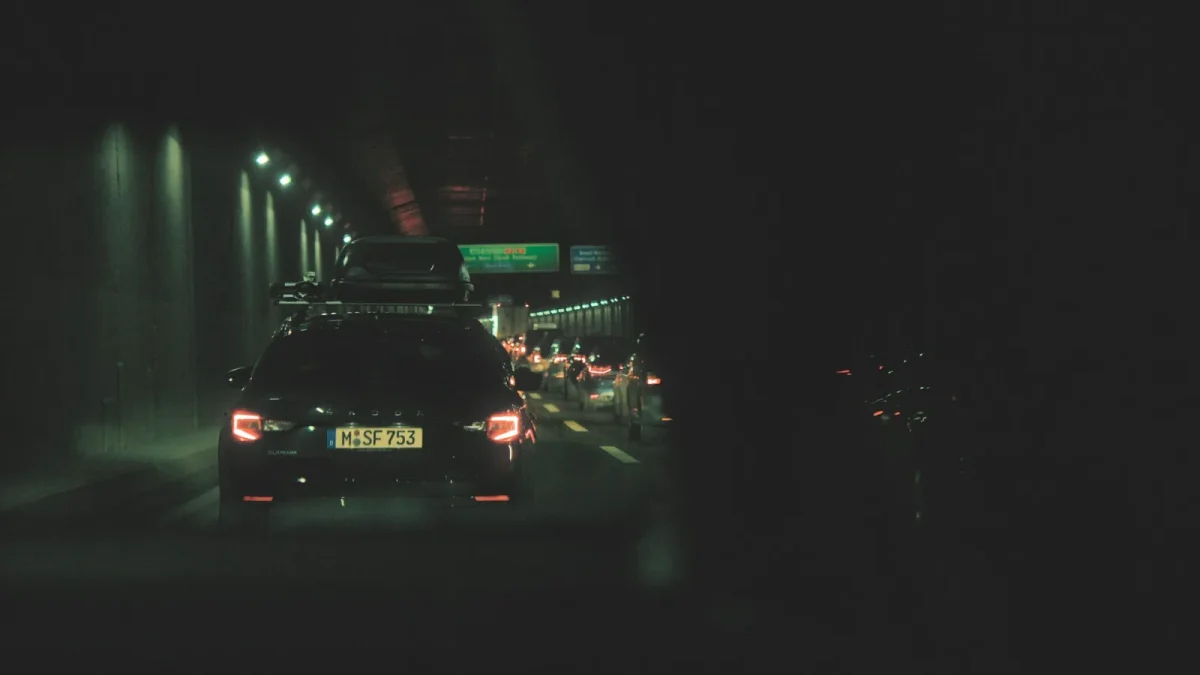
So when highway traffic bogs down and you slow into stop-and-go, the assist backs out. That is expected. It is not built for creeping city speeds where you need full manual control anyway.
If yours drops the moment traffic thickens, check your speed against the number in your owner’s manual. Nine times out of ten the two line up perfectly.
Reason 3: The camera cannot see
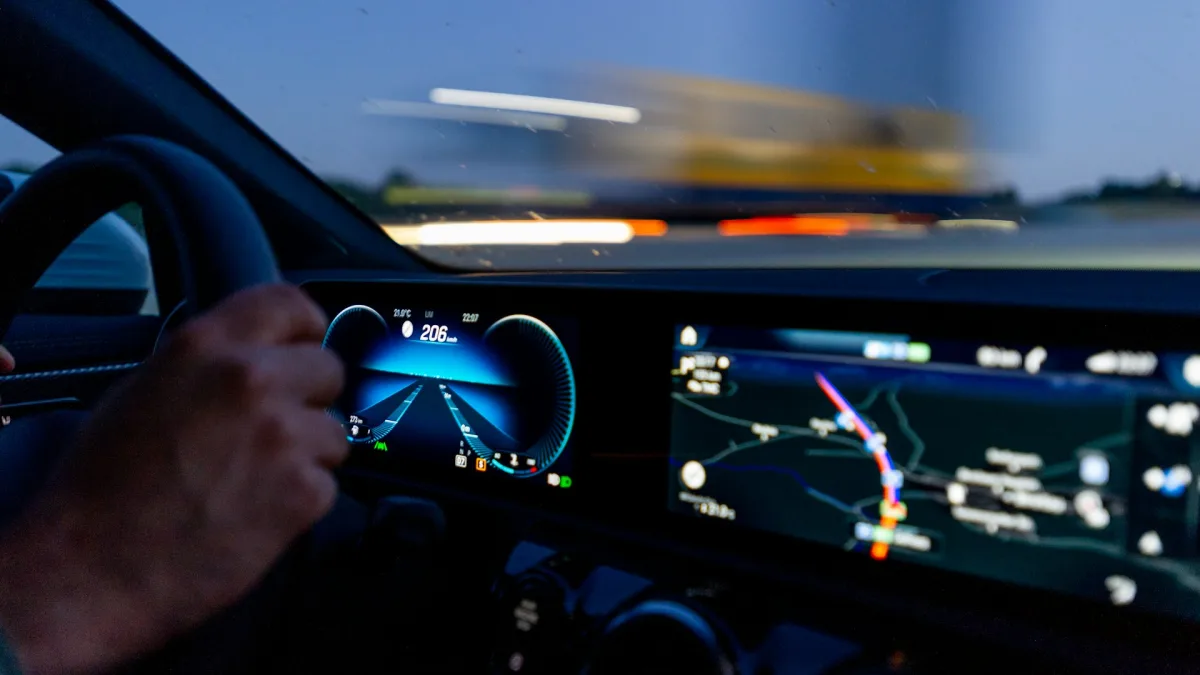
Everything hinges on that forward camera behind your windshield. Blind it, and the whole system goes dark. The usual offenders are:
- A dirty or bug-splattered windshield right in front of the lens.
- Low, direct sun glare washing out the image.
- Heavy rain overwhelming the wipers.
- Snow, slush, or ice packed over the camera area.
- Fog thick enough to hide the lines.
The cheapest, fastest fix you can try today is cleaning the glass. I mean really cleaning the strip of windshield directly in front of the camera housing near the mirror.
Tip
Grab the inside of the windshield too, not just the outside. A hazy film on the inner glass in front of the camera scatters light and degrades tracking, and most people never think to wipe it.
Winter is its own beast. If your assist dies every time it snows, that is not a coincidence, and it is not a defect either. Our guide on lane keep assist not working in snow explains exactly why and what you can and cannot do about it.
Reason 4: The road curved too sharply
Lane keep assist is tuned for gentle highway curves, not tight mountain switchbacks. Hit a bend sharper than the system can track, and it hands control back to you rather than steer you off line.
On a curvy rural route, you may feel it fade in and out with every serious turn. That is the system respecting its own limits, which is exactly what you want it to do.
Reason 5: Your hands left the wheel
These systems demand a hand on the wheel. Let go, and the car starts a countdown. First an icon, then a chime, then a louder alarm, and finally it shuts the assist off entirely and may slow the car.
Some drivers get the nag even with hands on, because the system reads steering torque, not touch. If you hold the wheel too lightly, it thinks you let go.
The system is not measuring whether you are holding the wheel. It is measuring whether you are steering. A feather grip reads as an empty seat.
That whole escalation is worth understanding on its own. I broke it down in our explainer on the steering wheel nag alert, including why it fires even when your hands are technically on the wheel.
Reason 6: A real fault or lost calibration
Now we reach the actual mechanical causes, and I put them last on purpose. They are real but far less common than the everyday reasons above.
If the assist is permanently off, throws a warning light, or never engages no matter how clean the glass or fresh the paint, the camera may be out of calibration or the module may have a fault. This happens most after body work, a windshield swap, or a front-end collision.
Watch out
If your lane keep assist went dark right after a new windshield, that is almost never a coincidence. The camera needs recalibration after the glass is replaced. Our guide on lane keep assist off after a windshield swap covers this exact scenario.
Calibration is a shop job, not a driveway fix, and costs vary by vehicle. Before you assume the worst, our breakdown of camera calibration cost gives you honest price ranges so you know what a fair quote looks like.
A quick self-check before you panic
Run through this order the next time it drops out, and you will usually pin the cause in a couple of minutes.
- Are the lane lines clear and unbroken where it cut off?
- Is your speed above the activation threshold?
- Is the windshield clean in front of the camera, inside and out?
- Was the road curving hard, or the sun low and blinding?
- Are you actually steering, not just resting a hand?
Answer those honestly and most drop-outs explain themselves. For the full picture of how the whole system works and why it behaves this way, circle back to our complete lane keep assist guide.
When to bring it in
If you have cleaned the glass, confirmed good roads and speeds, and the assist still refuses to engage or keeps warning you, that is your cue to have it scanned. A technician can pull codes and check calibration in under an hour.
For a neutral overview of how these safety systems are meant to perform, Consumer Reports on car safety is a level-headed resource worth a look. But in my experience, the fix is usually simpler and cheaper than drivers fear. More often than not, it is a clean windshield and a well-painted road.
Questions drivers ask
Back roads often have faded or missing lane paint, which is the number one reason the system disengages. The camera needs clear painted lines to steer by. If it always cuts off at the same worn stretch, the road is the cause, not your car.
Yes. Most systems have a minimum activation speed, often between 37 and 45 mph. In stop-and-go traffic or city driving below that threshold, the assist backs out by design so you keep full manual control.
Absolutely. The forward camera sits behind the windshield, and grime, glare, rain, or snow over the lens can blind it in seconds. Cleaning the glass in front of the camera, inside and out, is the cheapest first fix.
The system measures steering torque, not touch. If you hold the wheel too lightly, it reads that as hands off and starts its warning escalation. Apply a slightly firmer, more active grip and the nag usually stops.
If you have cleaned the windshield, confirmed good roads and speed, and the assist still refuses to engage or throws a warning light, have it scanned. A technician can pull codes and check camera calibration in under an hour.