Buy almost any Toyota built from 2018 onward and somewhere in the option list you will find three letters: LTA. It stands for Lane Trace Assist, and it is one of the more quietly clever features Toyota bundles into its Safety Sense package.
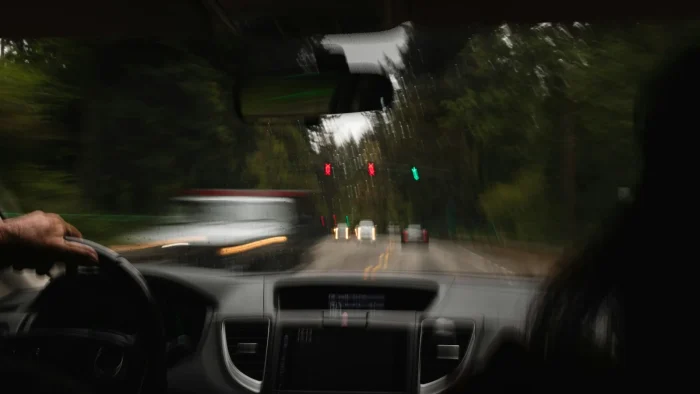
Most owners discover it by accident. They flip on adaptive cruise for a long highway stretch, feel the wheel start to gently follow the curve, and wonder what just took over.
If that has happened to you, this is the explainer I wish more dealerships handed out with the keys. Let me show you exactly what LTA does, when it works, and where it gets fussy.
Key takeaways
- Lane Trace Assist actively centers your Toyota in its lane rather than just warning you.
- On most models LTA only fully works when Dynamic Radar Cruise Control is switched on.
- It is a hands-on system that expects light pressure on the wheel at all times.
- White or green lane lines on the display mean it sees the lane; gray means it does not.
- Faded paint, tight curves, and bad weather are its main weak spots.
What Lane Trace Assist actually does
LTA is Toyota’s lane centering system. Where a basic lane departure warning only beeps when you drift, LTA continuously steers to keep you in the middle of your lane. It is proactive, not reactive.
The distinction matters, and it trips people up constantly. Centering is a step beyond simple lane keeping, and I broke down that difference in our guide on lane centering versus lane keep assist. LTA lands firmly in the centering camp.

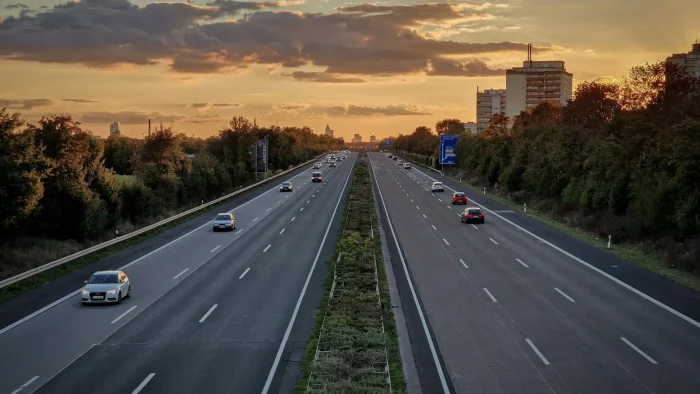
In practice, on a well marked highway, LTA reads the lines on both sides of you and makes tiny steering adjustments to hold you centered. It will even follow gentle curves. It feels less like the car fighting you and more like a steady hand resting on the wheel alongside yours.
The Dynamic Radar Cruise connection
Here is the single most important thing to understand about LTA on most Toyotas: it is tied to the cruise control.
On the majority of models, full lane centering only activates when Dynamic Radar Cruise Control, or DRCC, is engaged. Turn on that radar cruise, and LTA quietly comes alive to handle the steering while the cruise handles your speed and following distance.
Good to know
DRCC is Toyota’s name for adaptive cruise control. It uses radar to keep a set gap from the car ahead. Pair it with LTA and you get coordinated speed plus steering on the highway.
When DRCC is off, many Toyotas fall back to a lane departure alert mode. In that mode LTA will still warn you and give a brief corrective steering bump if you wander, but it will not continuously center you. That is why some owners swear LTA does nothing: they never turned on the radar cruise that brings it to life.
Reading the LTA display
Toyota gives you clear visual feedback in the instrument cluster, once you know what to look for. The lane graphic changes color to report what the system sees.
- White or green lane lines: LTA sees both lines and is actively centering
- One line colored, one gray: it only sees one side and is working with reduced confidence
- Gray lines: it cannot see the lane and centering is paused
- A steering wheel icon with hands: it wants you to grip the wheel now
That hands-on-wheel icon leads to the most common complaint. LTA is a hands-on system, meaning it expects you to keep light pressure on the wheel. Take your hands off and it escalates through visual, audible, and eventually flashing warnings before it disengages. Those escalating alerts are their own topic, which I covered in our piece on the steering wheel nag alert.
Watch out
LTA is a driver assist feature, not self-driving. It expects your hands on the wheel and your eyes on the road at all times. Treating it like autopilot is how good drivers get into bad situations.
Where LTA gets fussy
No lane centering system is perfect, and LTA has predictable weak spots. Knowing them keeps you from being surprised when it backs off.
Faded or missing paint
LTA lives on lane lines. On a rural road with worn out markings, or a construction zone with confusing temporary lines, it will drop to gray and hand you the wheel. That is not a fault, it is honesty. The same limitation hits every brand, as I explained in our article on faded lane lines.
Sharp curves and highway ramps
LTA is tuned for gentle highway curves, not tight cloverleaf ramps. Enter a sharp bend and you will often feel it let go, expecting you to steer. Always be ready to take over on curvy sections.
Weather and glare
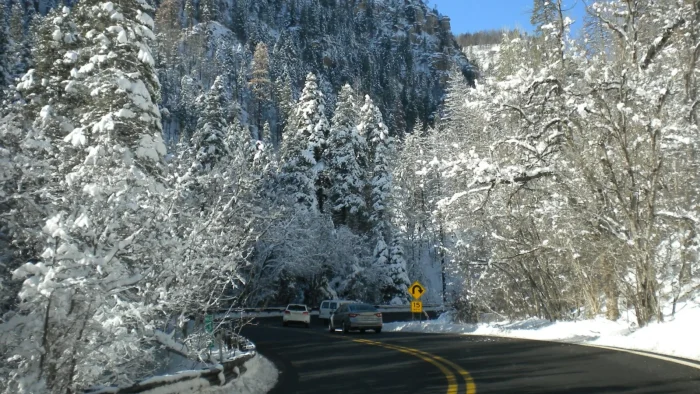
Heavy rain, snow, fog, and low sun glare all reduce what the camera can see. On a snow covered road LTA may go quiet entirely, which is completely normal and something we detail in our winter guide on lane assist not working in snow.
A real-world drive with LTA
I put a 2021 RAV4 through a long interstate stretch to feel it out properly. On smooth, freshly painted pavement it was genuinely relaxing. The wheel followed the lane’s gentle sweep, DRCC held my gap from the truck ahead, and my job shrank to supervising.
Then the highway hit an older section with sun-bleached lines. The lane graphic flickered to gray, the steering handed back to me, and a soft chime reminded me to take the wheel. Nothing broke. The system just told me the truth: it could not see, so I was in charge.
LTA is at its best when you treat it as a co-pilot that speaks up honestly, not a driver you can walk away from.
Turning LTA on and off
On most Toyotas, LTA has its own button or a setting in the steering wheel menu, separate from the cruise controls. You can enable or disable it, and some models let you toggle between full centering and warning-only behavior.
Tip
If LTA feels too active or too passive, check the instrument cluster menu. Many Toyotas let you adjust lane departure sensitivity and switch between assist modes to suit your taste.
If you decide you would rather drive without it, the process is straightforward and mirrors what we describe in our general walkthrough on how to turn off lane keep assist. Just remember the setting can reset with each ignition cycle on some model years.
Where LTA fits in the bigger picture
Lane Trace Assist is Toyota’s polished take on lane centering, and it works best when you understand its partnership with radar cruise and its honest limits. Learn to read the lane colors, keep a hand on the wheel, and it becomes a genuinely pleasant highway companion.
For the full context of how lane centering, lane keeping, and departure warnings all relate across brands, our complete lane keep assist guide ties it together. And for an independent look at how these Safety Sense features rate, Consumer Reports tracks them across the Toyota lineup.
Questions drivers ask
On most Toyota models, full lane centering only activates when Dynamic Radar Cruise Control is engaged. With cruise off, LTA usually drops to a warning-only mode that beeps and gives a brief corrective nudge but does not continuously center you.
No. LTA is a hands-on driver assist feature that expects light pressure on the wheel and your full attention. It centers you in clear lanes on the highway, but it cannot handle sharp curves, faded paint, or bad weather without you taking over.
White or green lines mean LTA sees both lane markings and is actively centering you. Gray lines mean it cannot see the lane and centering is paused. A steering wheel with hands icon means it wants you to grip the wheel right away.
LTA is tuned for gentle highway curves, not tight ramps or sharp bends. When it reaches a curve it cannot follow, it hands the wheel back to you and expects you to steer. This is normal behavior, not a malfunction.
Yes. Most Toyotas have an LTA button or a setting in the steering wheel menu, separate from the cruise controls. Some models also let you switch between full centering and warning-only mode, though the setting can reset each time you restart the car.