Pull up next to almost any Toyota built in the last several years and there is a good chance it is quietly running Pre-Collision System, the brand’s name for its automatic braking suite. Most owners never think about it until a message flashes across the dash and a chime goes off, usually at the worst possible moment on a busy road.
I get a lot of Toyota and Lexus drivers at the counter holding their phone with a photo of a warning they cannot decode. The good news is that PCS is one of the more consistent systems I work on, and once you learn its handful of messages, it stops being a mystery.
Here is a plain-language primer on how Toyota Pre-Collision System braking behaves, what its dashboard messages mean, and when a warning is worth worrying about.
Key takeaways
- Toyota PCS uses a front camera and radar to warn you first, then brake if you do not react.
- The most common alerts are a flashing red warning to brake and an amber “PCS unavailable” message.
- An amber PCS message usually means a blocked sensor, not a broken system.
- PCS is part of Toyota Safety Sense, which bundles it with lane and cruise features.
- Most warnings clear after cleaning the front camera and radar and driving a short distance.
What Pre-Collision System actually does
PCS is Toyota’s version of forward collision warning plus automatic emergency braking, working as one linked feature. It lives under the Toyota Safety Sense umbrella, the package badged as TSS on the window sticker.
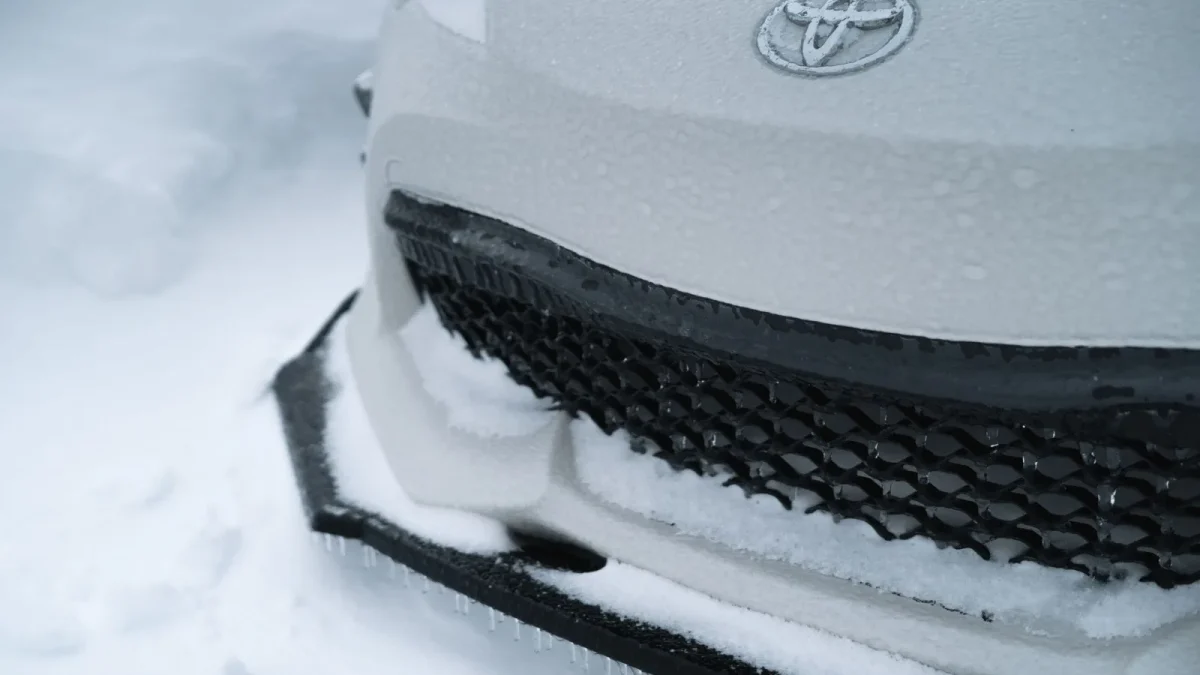
The system watches the road with a camera mounted behind the windshield near the mirror and a radar sensor tucked behind the front emblem or lower grille. Together they measure how fast you are closing on the car, pedestrian, or object ahead.
If a crash looks likely, PCS first sounds an alert and flashes a warning to get you to brake. If you brake, it may add braking assist to boost your pedal pressure. If you do nothing, it applies the brakes automatically to cut speed before impact.
Pre-Collision System is Toyota’s way of saying: I will warn you, help you brake, and if you freeze, I will brake for you.
This two-stage flow is standard across modern automakers. If the warning-versus-braking split confuses you, our breakdown of AEB versus forward collision warning shows exactly where one ends and the other begins.
The dashboard messages you will actually see
Toyota keeps its wording fairly plain, which I appreciate. Here are the messages I get asked about most.
Flashing red car-and-brake symbol with “BRAKE”
This is the urgent one. A red image of a car with a warning ahead, often paired with the word BRAKE and a loud repeating chime, means PCS has detected an imminent collision. Brake now. This is the system begging you to act before it steps in.
Amber “Pre-Collision System Unavailable”
This is the message that fills my inbox. An amber car symbol or a text line saying the system is unavailable means PCS has temporarily switched off because it cannot see clearly.
Nine times out of ten the cause is a blocked sensor: heavy rain, fog, a dirty windshield in front of the camera, or mud and snow over the radar behind the emblem.
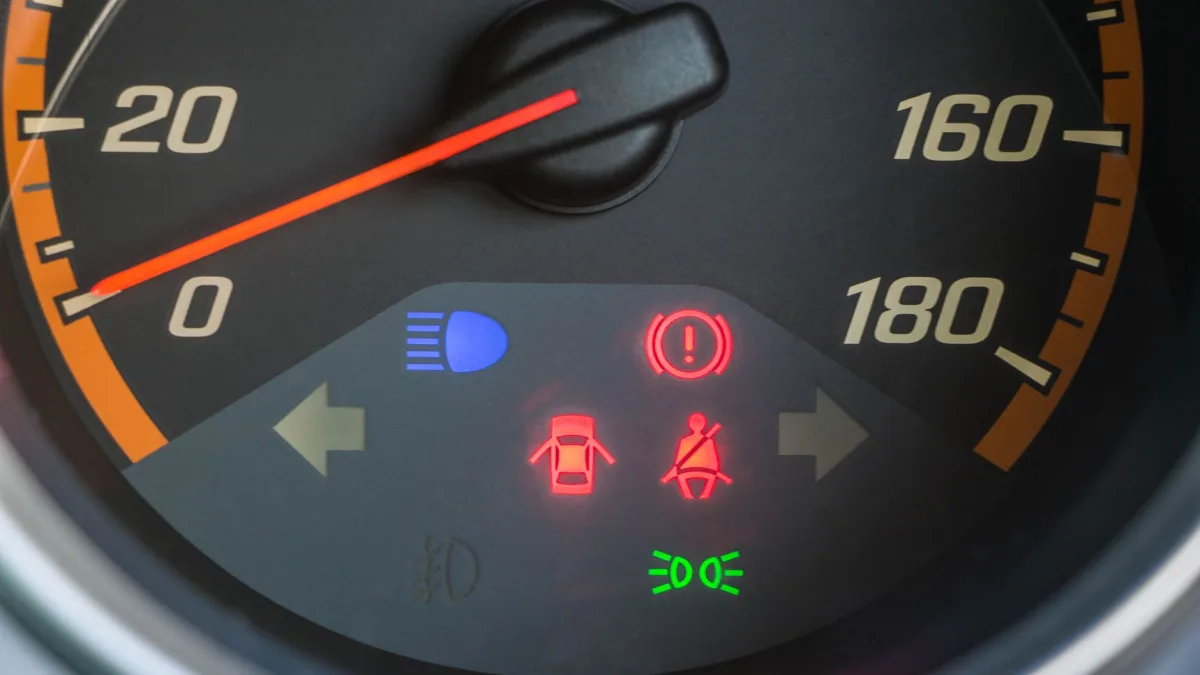
“Pre-Collision System Malfunction” or “Visit Your Dealer”
This wording is more serious. It points to an actual fault in the system rather than a temporary blockage, and it usually will not clear on its own. That one earns a diagnostic.
Good to know
Toyota often groups PCS messages with other Safety Sense features. If you see PCS unavailable alongside lane departure or radar cruise warnings at the same time, the shared front camera is almost certainly the common cause.
Why the amber warning appears so often
Toyota mounts the radar behind the front emblem, which sits low and catches everything the road throws at it. Slush, salt spray, a plastic license plate frame that partly covers the sensor, even a thick coat of bug residue can all trigger the unavailable message.
The windshield camera is just as picky. Low winter sun straight into the lens, a cracked windshield in the camera’s view, or aftermarket tint at the top of the glass can all knock PCS offline.
Tip
When the amber PCS message appears, clean two spots: the glass directly in front of the mirror-mounted camera and the front emblem or lower grille where the radar hides. Then drive a few minutes. Most temporary faults clear themselves once the sensors see clearly again.
Weather and the winter problem
Toyota owners in cold climates see the unavailable message constantly from December through March. Packed snow over the radar sensor is the usual culprit, and no software can see through a plug of ice.
This is normal behavior, not a defect, but it does mean your safety net is offline while it lasts. If you deal with this every storm, our guide on why AEB stops working in winter weather covers how to keep the sensors clear without damaging them.
Watch out
Never chip ice off the front emblem with a metal scraper. The radar sensor sits right behind it, and a cracked emblem or a knocked sensor turns a two-minute thaw into a real repair bill.
What triggers PCS to brake on its own
PCS is generally well-behaved, but like any camera-and-radar system it can occasionally misread a scene. The triggers I see most are a car turning across your path, a stopped vehicle just past a rise, or a metal object on a tight curve.
These false, or phantom, events are far less common on Toyota than on some camera-only systems, thanks to the fused radar. Still, if it happens repeatedly, our guide to why your car brakes for no reason explains the real triggers and when to have it checked.
Adjusting sensitivity and turning it off
Toyota lets you change how early PCS warns you. Through the steering-wheel menu or the settings screen, you can set the alert timing to far, medium, or near, which shifts how soon the chime sounds.
- Find the vehicle settings menu on your multi-information display.
- Look for Pre-Collision System or PCS timing options.
- Choose the alert distance that suits your driving.
- Note that the system usually re-enables at every restart by design.
Some drivers want the braking off entirely for towing or off-road use. Toyota allows this, though it typically reactivates each time you start the car. Our walkthrough on how to turn off automatic emergency braking shows the exact menu path for Toyota and other brands.
When a warning means a shop visit
Most PCS messages are harmless and clear on their own. The ones that need attention are the malfunction and “visit dealer” messages, or an unavailable warning that will not clear even with clean sensors.
A genuine fault might be a misaligned camera after a windshield replacement, a radar knocked out of calibration by a minor bumper tap, or a failed module. Costs vary, and our breakdown of the cost to fix automatic emergency braking gives real ranges so the counter estimate does not blindside you.
For the full picture of how PCS fits alongside every other braking system on the market, circle back to our hub on automatic emergency braking explained. And if you want a neutral outside view on how these features are rated, the My Car Does What project explains driver-assist features in clear terms.
Learn Toyota’s handful of PCS messages, keep the camera and emblem clean, and treat the red flashing warning as your cue to brake. Do that, and Pre-Collision System does its quiet job for years without ever becoming the mystery light on your dash.
Questions drivers ask
It usually means PCS has temporarily switched off because a sensor cannot see clearly. Common causes are heavy rain, fog, a dirty windshield in front of the camera, or snow and mud over the radar behind the front emblem. Clean those spots and drive a few minutes and it typically clears.
That is an active collision alert. PCS has detected an imminent crash and is telling you to brake right now. If you do not react, the system may apply the brakes automatically to reduce impact speed.
On most models the radar sits behind the front emblem or in the lower grille, and the camera is mounted behind the windshield near the rear-view mirror. Both must be clear for the system to work, which is why a dirty emblem often triggers warnings.
Yes, through the vehicle settings menu on the instrument display. Keep in mind the system usually re-enables each time you restart the car by design. You can also adjust the warning timing to far, medium, or near instead of turning it off.
It is more serious than the unavailable message. Malfunction or visit-dealer wording points to an actual fault, such as a miscalibrated camera or radar, rather than a temporary blockage. It usually will not clear on its own and should be diagnosed.