Mazda drivers tend to fall in love with the driving feel and then get blindsided by the acronyms. RVM is a classic example. You see a warning car icon in your side mirror, or a message reading “RVM malfunction” or “RVM system inspection required” lands on the dash, and Mazda’s manual is not exactly chatty about what to do next.
RVM stands for Rear Vehicle Monitoring, Mazda’s name for its blind spot system. On some newer models the badge changed to BSM, but the hardware and the fixes are the same. Two small radar units sit behind the rear bumper corners and watch the lanes beside you.
The good news: most RVM warnings are something you can sort out in your own driveway in about ten minutes. Let me walk you through it in the exact order I would check it in the bay.
Key takeaways
- An “RVM malfunction” message almost always means a blocked or dirty rear bumper radar, not a broken part.
- Mazda uses two rear-corner radar units; blocking one can trigger the warning on that side.
- Most fixes are a wet cloth on the bumper corners, a settings check, or a simple restart.
- A hitch bike rack, trailer, or bumper repair are the top reasons the warning sticks.
- If the message survives cleaning and a reset, a shop scan of the radar module tells you the real cause fast.
Step 1: Figure out which warning you are seeing
Before you fix anything, know what the icon is telling you, because Mazda uses the same little car symbol for two opposite situations.
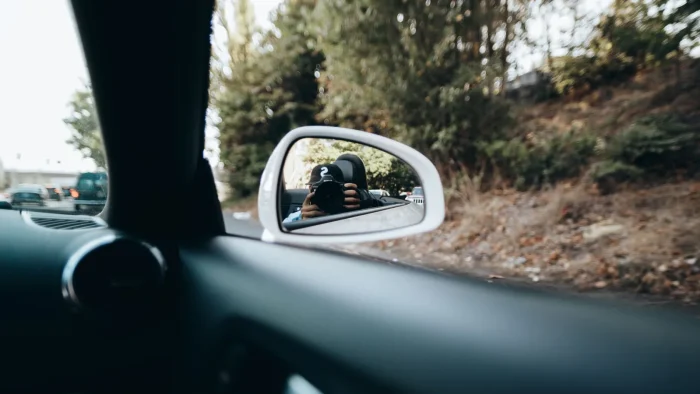
When the mirror icon lights only as a vehicle enters the lane beside you, that is RVM working. It saw a car in your blind spot. Nothing is wrong, and there is nothing to fix.
When the icon glows steadily with no car around, or a dash message reads “RVM malfunction” or “system inspection required,” that is a status warning. The system is telling you it is switched off or cannot see. Same symbol, very different meaning, and that is where the panic usually starts.
Good to know
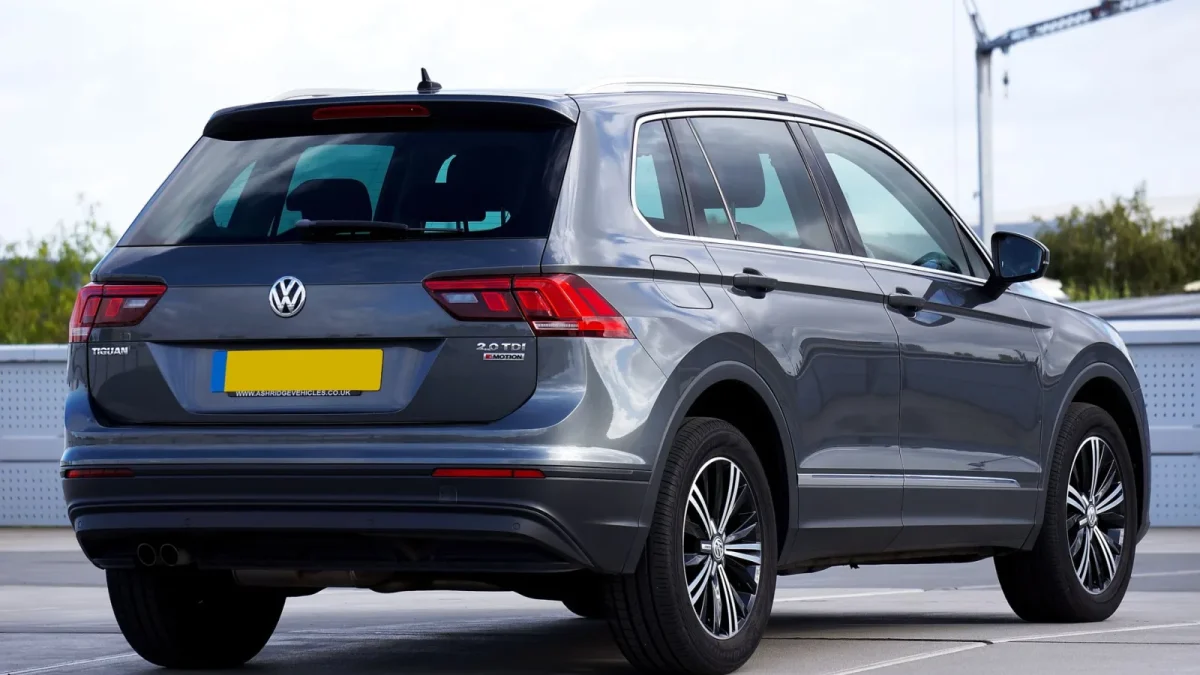
Mazda RVM is a radar system, not a camera. Two small radar units sit behind the rear bumper corners, one on each side. Because they work per side, a blocked left corner can trigger a warning while the right side keeps working fine. That asymmetry is a useful diagnostic clue.
If you want the full picture of how those radar units read the lane beside you, our explainer on how blind spot monitoring works behind the bumper lays it out clearly.
Step 2: Clean both rear bumper corners
Start here, because this single step clears the RVM warning most of the time. The radar needs a clean line of sight through the plastic bumper cover, and it does not take much to blind it.
Grab a damp, soft cloth and wipe both rear corners of the bumper thoroughly. You are clearing mud, road salt film, packed snow, ice, and any lingering dirt. The radar cares about the small patch directly in front of each sensor, so wipe the whole corner zone, not just the obvious grime.
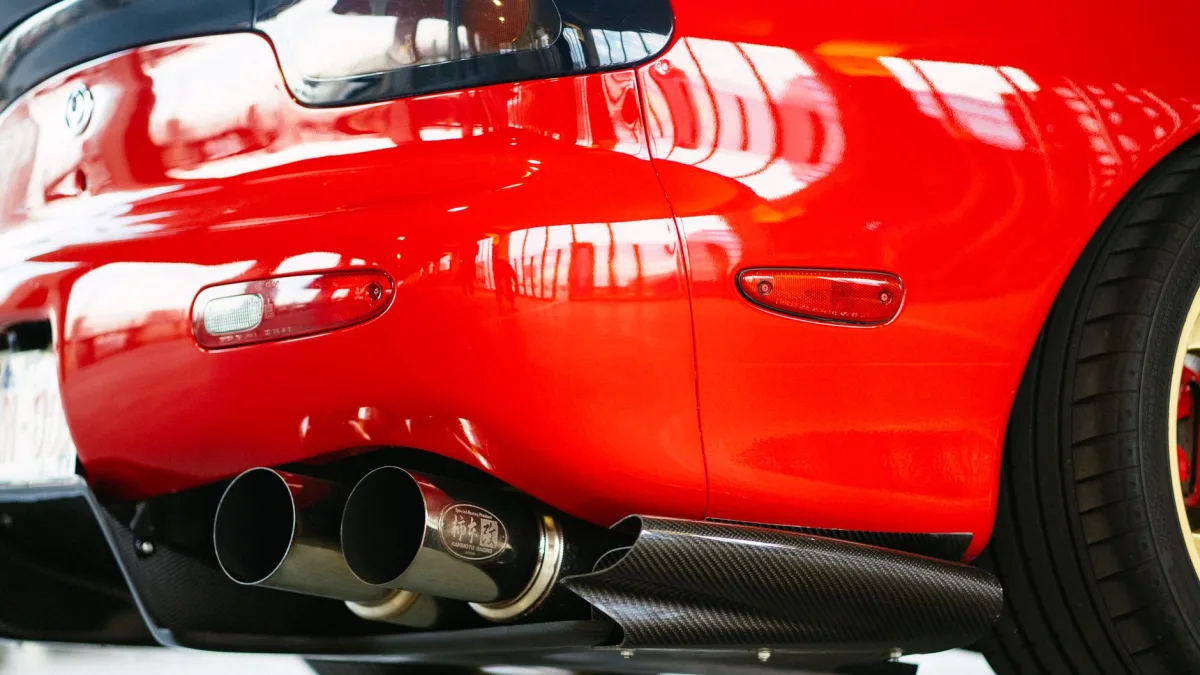
- Wipe both rear bumper corners with a damp, soft cloth.
- In winter, clear away any packed snow or ice from those spots.
- Check for a bumper sticker, magnet, or trailer plate frame covering a corner.
- Rinse off caked mud or salt after slushy, muddy, or gravel driving.
For the right technique so you do not scuff the sensor covers, our walkthrough on cleaning blind spot sensors the right way is worth two minutes. The full list of what blocks blind spot sensors ranks every common offender.
Watch out
Do not aim a pressure washer at the rear bumper corners up close. I have seen high-pressure water push moisture into a radar housing and create an intermittent fault that is far more aggravating than the salt film you were trying to remove. Warm water and a cloth is all it needs.
Step 3: Check the RVM setting in the menu
If the corners are clean and the warning is still up, make sure the feature is actually switched on. It is easy to toggle off by accident, and a battery disconnect or software update can reset it to a default state.
Dig into your Mazda Connect settings or the instrument cluster menu, find the driver-assistance or safety section, and confirm Rear Vehicle Monitoring, sometimes labeled BSM, is enabled. On some 2019 onward models the toggle lives under a “Safety” or “i-ACTIVSENSE” submenu.
I had a CX-5 owner convinced his RVM had failed after a dealer battery replacement. The tech had simply disconnected the battery, which reset the feature to off. Two taps in the settings menu and it was back. No parts, no charge.
Step 4: Remove anything hanging off the hitch
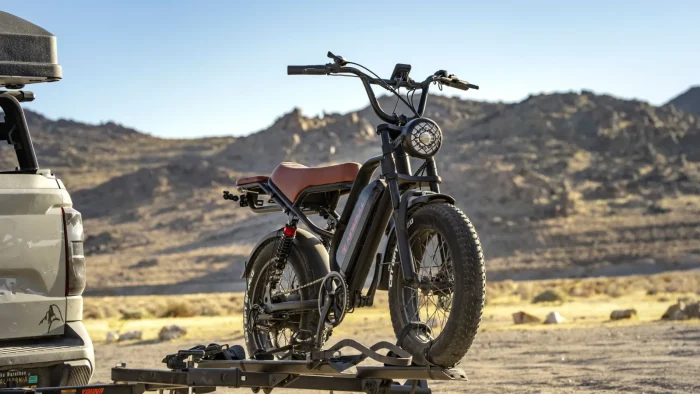
If you run a bike rack, a hitch cargo box, or a trailer, that is very likely your answer. Those accessories sit right inside the rear radar’s field of view.
To the sensor, a rack reads as a large solid object parked exactly where a passing car would be, so RVM either floods you with false alerts or shuts down with a malfunction message to avoid them. That is the safe response, not a defect.
Your bike rack does not fool the radar. It follows the rules. The sensor sees a solid object sitting where a car belongs, so RVM does the safe thing and steps aside.
Unhook the rack or trailer and RVM usually restores itself. Our guide on the blind spot monitor turning off after a trailer or bike rack explains which setups auto-detect towed gear and which need a manual reset.
Step 5: Reset the system
If the corners are clean, the setting is on, and nothing is on the hitch, try a simple reset before you spend a dime. Turn the car fully off, open and close the driver door, wait a couple of minutes, then restart. That clears a lot of one-time software glitches.
For a stubborn fault, disconnecting the battery for ten to fifteen minutes forces a fuller reset. Just know that on many Mazdas this also erases radio presets and may require RVM to be re-enabled in the menu afterward, so it is a last resort rather than a first move.
Tip
Before a road trip in winter, make wiping the two rear bumper corners part of your routine, the same as clearing the backup camera. A ten second swipe with a glove keeps RVM alive on the exact slushy days you most want it watching your flank. Our seasonal guide on blind spot monitoring failing in snow and ice covers why cold weather hits these systems hardest.
Step 6: Narrow it down by side
Here is a diagnostic trick unique to a two-radar setup like Mazda’s. Because each rear corner has its own sensor, you can often tell which one is the problem.
If the warning or the loss of function shows up on only one side, focus your cleaning and inspection on that corner. A one-sided fault points to a blocked, damaged, or mis-aimed sensor on that side specifically, which is common after a low-speed parking tap or a curb scrape on one rear quarter.
If both sides are down at once, the cause is more likely shared: heavy weather across the whole bumper, a system reset gone wrong, or a module-level fault. For the wider view of that steady-on warning, our piece on when the blind spot light stays on ranks the causes, and the cross-brand blind spot system unavailable message guide covers the message version.
Step 7: When to bring it to a technician
If you have worked through everything above and the RVM malfunction message still refuses to clear, it is time for a scan. A shop can plug in and read the trouble codes stored in the radar module in well under an hour, and those codes usually point straight at the cause.
The most common professional finding is a lost calibration or a genuine module fault, especially if the trouble started right after collision work or a bumper repair. Expect a diagnostic fee around $100 to $150, with recalibration often running $150 to $400 depending on the shop and model.
Watch out
If your RVM warning appeared right after a rear bumper repair or a parking-lot collision, do not chase the software. A physical tap can knock the radar out of aim by a few degrees, which is enough to disable it. That needs a proper recalibration on shop equipment, not a driveway reset.
Where RVM fits among Mazda’s safety systems
RVM is one piece of Mazda’s i-ACTIVSENSE suite, and it works hand in hand with rear cross-traffic alert, which uses the same radar to warn you while backing out. If your cross-traffic alert quit at the same time as RVM, that is a strong clue the problem is a shared blocked or damaged rear sensor, and rear cross-traffic alert not working walks through it step by step.
For the master overview that ties every one of these warnings together across brands, start with our pillar on blind spot monitoring warning lights explained. And if you want an independent, plain-English take on what these features are designed to do, the folks at MyCarDoesWhat keep a friendly reference with no sales pitch.
Most of the time, though, the fix for an RVM warning is a wet rag and thirty seconds at the back bumper. Start there, work the steps in order, and you will have that mirror light back to quietly minding your blind spots before your next drive.
Questions drivers ask
RVM stands for Rear Vehicle Monitoring, Mazda's name for its blind spot system. On some newer models the badge changed to BSM, but the hardware is the same: two rear-corner radar units that watch the lanes beside you. An RVM malfunction message usually points to a blocked sensor, not a broken part.
Start by wiping both rear bumper corners clean of mud, salt film, snow, or ice, since a blocked radar is the most common cause. Then confirm the feature is enabled in the settings menu and try a full restart. If it still will not clear, have the radar module scanned for codes.
Mazda uses two separate radar units, one behind each rear bumper corner, so a fault can appear on just one side. A one-sided warning points to a blocked, damaged, or mis-aimed sensor on that corner, which is common after a curb scrape or a low-speed parking tap.
Yes. A hitch bike rack, trailer, or cargo carrier sits inside the rear radar field and reads as a solid object where a passing car would be, so RVM floods you with alerts or shuts down with a malfunction message. Remove the accessory and the system usually restores itself.
Often yes. A rear bumper repair or a parking-lot collision can knock the radar out of aim by a few degrees, which is enough to disable it. That needs a proper recalibration on shop equipment, typically in the $150 to $400 range, not a driveway reset.