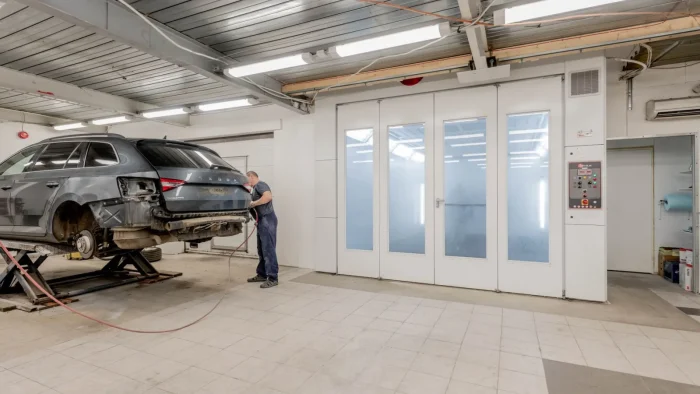
A driver rolled into my bay last winter convinced his blind spot warning had died for good. The light was flashing, the beeps were gone, and he’d already priced out a replacement radar module online. Turns out he’d been scrubbing the rear bumper corners every Sunday with a stiff garage rag, and the ultrasonic sensor faces were sanded dull enough to scatter the signal. Nothing was broken. His cleaning routine was the whole problem.
That story plays out more than you’d think. The tools drivers reach for on paint and glass are exactly the wrong tools for the delicate lenses and transducers that run modern driver-assist features.
Let me walk you through the mistakes I see most, why each one does damage, and what to do instead.
Key takeaways
- Abrasive cloths and paper towels leave micro-scratches that scatter camera and sensor signals.
- Ammonia-based glass cleaner can cloud plastic lens covers and degrade coatings over time.
- Pressure washers aimed point-blank at sensors force water past seals and cause internal fogging.
- Touching a camera lens directly leaves oils that blur the image the system relies on.
Mistake 1: Reaching for the same rough rag you use on the wheels
The single most common error is texture. That crusty shop towel or microfiber that’s been dragged across brake dust and road grime is now carrying grit. Every pass across a camera lens or an ultrasonic sensor face drags those particles like sandpaper.
Camera covers and sensor membranes are soft plastic, not tempered glass. They scratch far more easily than a windshield. A lens that looks fine to your eye can still be hazed enough at the microscopic level to soften the image the system uses to read lane lines.
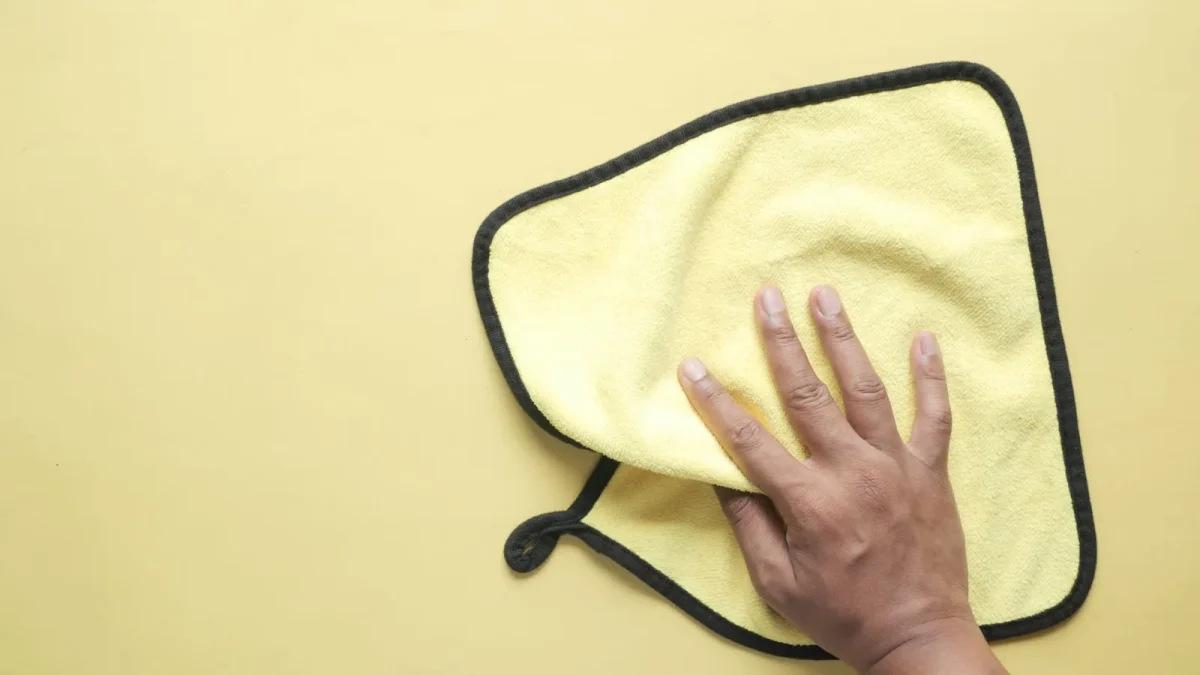
Use a clean, dedicated microfiber that has never touched wheels or lower body panels. Fold it to a fresh face for each sensor. If you want the full walkthrough for glass-mounted cameras, I broke it down in our guide on cleaning a windshield ADAS camera safely.
Watch out
Paper towels feel soft but wood fibers are surprisingly hard. On a plastic lens cover they act like a fine grit. Skip them entirely on any optical surface.
Mistake 2: Spraying ammonia glass cleaner on plastic lenses
Household blue glass cleaner is built for glass. Most formulas contain ammonia, and ammonia is rough on the polycarbonate covers over cameras and the coatings on sensor faces.
One dose won’t ruin anything. The trouble is the driver who does it weekly for two years. Over time you get a milky haze, tiny stress cracks in the plastic, and stripped hydrophobic coatings that used to shed water.
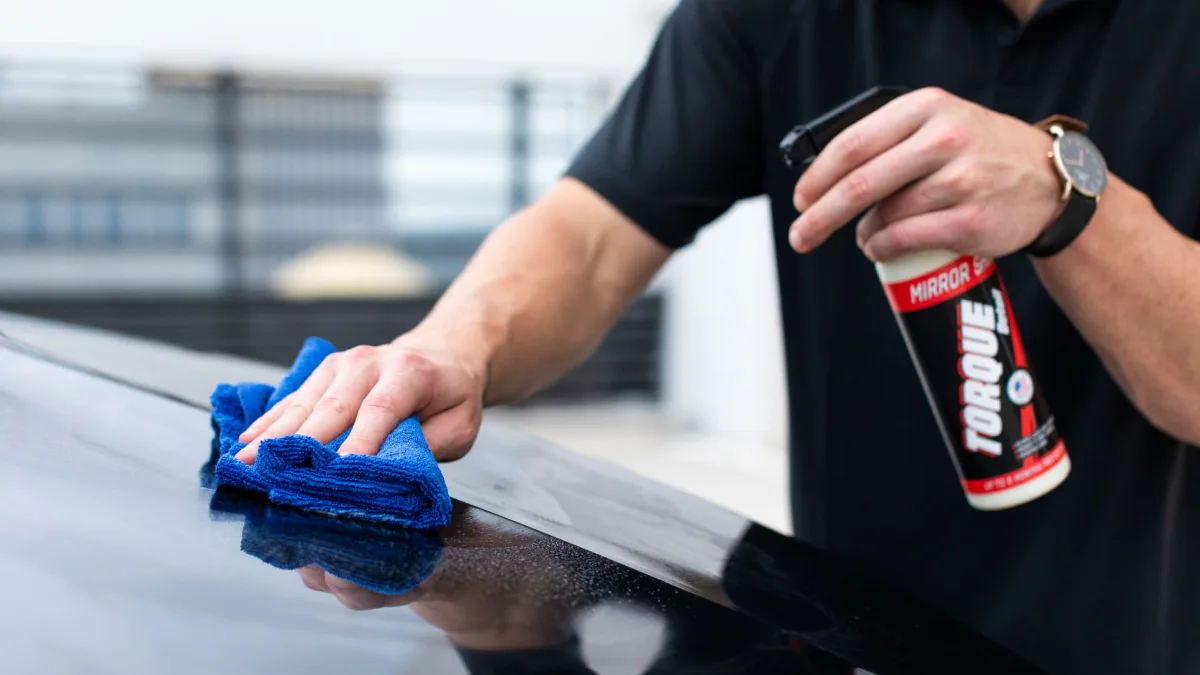
Reach for plain distilled water first. If you need more cleaning power, a drop of pH-neutral car shampoo in water handles almost everything without chemical risk. Save the ammonia cleaner for your interior mirror.
Tip
Spray the cleaner onto the cloth, not onto the sensor. That keeps liquid from pooling around seals and wicking inside the housing.
Mistake 3: Blasting sensors with a pressure washer
I love a pressure washer for wheel wells. Aimed straight at a parking sensor from six inches away, though, it becomes a problem.
Ultrasonic sensors and camera housings are sealed against rain and splash, not against a focused 1,500 PSI jet. Point-blank pressure drives water past the gaskets. A week later the owner sees a foggy backup camera and assumes the camera failed.
That internal fog is one of the more common calls I get, and it usually traces back to a wash wand held too close. If you’re already seeing it, our piece on condensation inside a backup or ADAS camera covers what actually fixes it.
- Keep the pressure wand at least 12 inches from any sensor or camera.
- Use a wide fan tip, never the pinpoint zero-degree nozzle, near sensors.
- Angle the spray across the surface rather than dead-on.
- Let a soft stream of plain water do the loosening, then wipe by hand.
Mistake 4: Touching the camera lens with bare fingers
This one feels harmless. You wipe the lens with a fingertip to clear a smudge and move on. The problem is that your skin leaves an oily film, and that film is exactly what a camera can’t see through cleanly.
Fingerprint oil smears light. On a forward camera behind the windshield, that can soften the contrast the lane-keep system needs to lock onto faded markings. The camera still works, but it works worse, and you may never know why.
The camera doesn’t care that it looks clean to you. It cares that light reaches the sensor without scatter.
If you do touch it, clean it properly with a damp microfiber afterward rather than leaving the smudge to bake on in the sun.
Mistake 5: Scraping ice off a sensor with a hard tool
Cold mornings bring out the plastic ice scraper, and it belongs on your glass, not your sensors. Dragging a scraper edge across a camera cover or a bumper sensor gouges the surface in a single pass.
Let the defroster and a little warm patience do the work. A gloved hand or a soft brush clears frost from a sensor without leaving a mark. For anyone who wants the seasonal routine, knowing where the ADAS sensors sit on your car tells you exactly which spots to protect before you start swinging a scraper.
Good to know
Many sensors hide behind the emblem, in the grille, or low in the bumper corners. If you don’t know they’re there, you can’t avoid damaging them.
What good habits actually look like
None of this means you baby the car or pay a shop every month. It means you treat the optical and acoustic surfaces differently from the paint around them.
A quick comparison of what works and what wrecks
| Task | Wrong move | Better move |
|---|---|---|
| Wipe a dirty lens | Dry paper towel | Damp clean microfiber |
| Cut through grime | Ammonia glass spray | Distilled water or pH-neutral shampoo |
| Rinse a muddy sensor | Point-blank pressure jet | Gentle stream from 12 inches out |
| Clear winter frost | Hard ice scraper | Defroster plus soft brush |
The whole job takes maybe 10 to 15 minutes on a weekend and costs you a clean cloth and some water. Compare that to a false calibration fault or a scratched lens, which can run $150 to $400 to sort out at a shop, and the math is easy.
If you’re weighing whether to handle sensor care yourself at all, our breakdown of DIY versus professional ADAS sensor cleaning lays out where the line sits. For the bigger picture of how all these cameras and sensors fit together, start with our complete guide to ADAS cameras and sensors.
When cleaning isn’t the culprit
Sometimes a warning light survives a perfect cleaning, and that tells you the sensor itself, its aim, or a calibration has drifted. If a camera or radar took an impact, changed position, or the windshield was replaced, cleaning won’t bring the feature back. That’s a calibration conversation, not a cloth-and-water one.
The independent nonprofit resources at MyCarDoesWhat are a solid plain-language reference for what each feature is supposed to do, which helps you tell a dirty sensor from a genuine fault.
Get the habits right and most warning lights that trace back to grime simply stop appearing. Protect the surface, keep your tools clean and gentle, and let the systems do their job.
Questions drivers ask
It is not the best choice. Most glass cleaners contain ammonia, which can cloud the plastic lens cover and strip protective coatings over time. Use distilled water or a drop of pH-neutral car shampoo in water instead, sprayed onto the cloth rather than the lens.
A single light scratch usually will not, but a hazed or heavily scratched lens scatters light and can soften the image enough to cause lane-keep or camera faults. If cleaning does not clear the smudge and the lens looks dull, have it inspected.
Only from a distance. Keep the wand at least 12 inches away, use a wide fan tip, and angle the spray across the sensor rather than dead-on. A close, focused jet can force water past the seals and fog the housing internally.
That fog is usually condensation driven inside the housing by a pressure washer held too close to the camera. It is a sealing issue, not always a failed camera. Gentle washing from a distance prevents it in most cases.
Yes. A cloth used on wheels or lower panels carries grit and brake dust that acts like sandpaper on soft lens covers. Keep one clean microfiber dedicated to cameras and sensors only.