Cruising at 70 on an open interstate, nothing ahead for a quarter mile, and suddenly the car stabs the brakes and yanks your seatbelt tight. Your coffee is on the dash, the driver behind you is furious, and your heart is pounding. That gut-drop moment has a name: phantom braking.
It is one of the most rattling driver-assist glitches out there, and on the highway it is genuinely dangerous because of the speed and the traffic behind you. The good news is that most highway phantom braking has traceable causes, and several of them you can address yourself. Here is how I work through it.
Key takeaways
- Overpasses, big shadows, and cresting hills are the classic radar false triggers at highway speed.
- Stopped cars in a curve and reflective road signs also confuse the system into braking early.
- Clean sensors, updated software, and correct following-distance settings solve a surprising share of cases.
- If it keeps happening after the basics, it is a calibration or hardware issue for a technician, not a DIY fix.
First, understand why it happens at speed
Your phantom braking highway problem almost always comes from the forward radar or camera misreading something as a wall in your path. At 70 mph, the system has a fraction of a second to decide, so it errs on the side of caution.
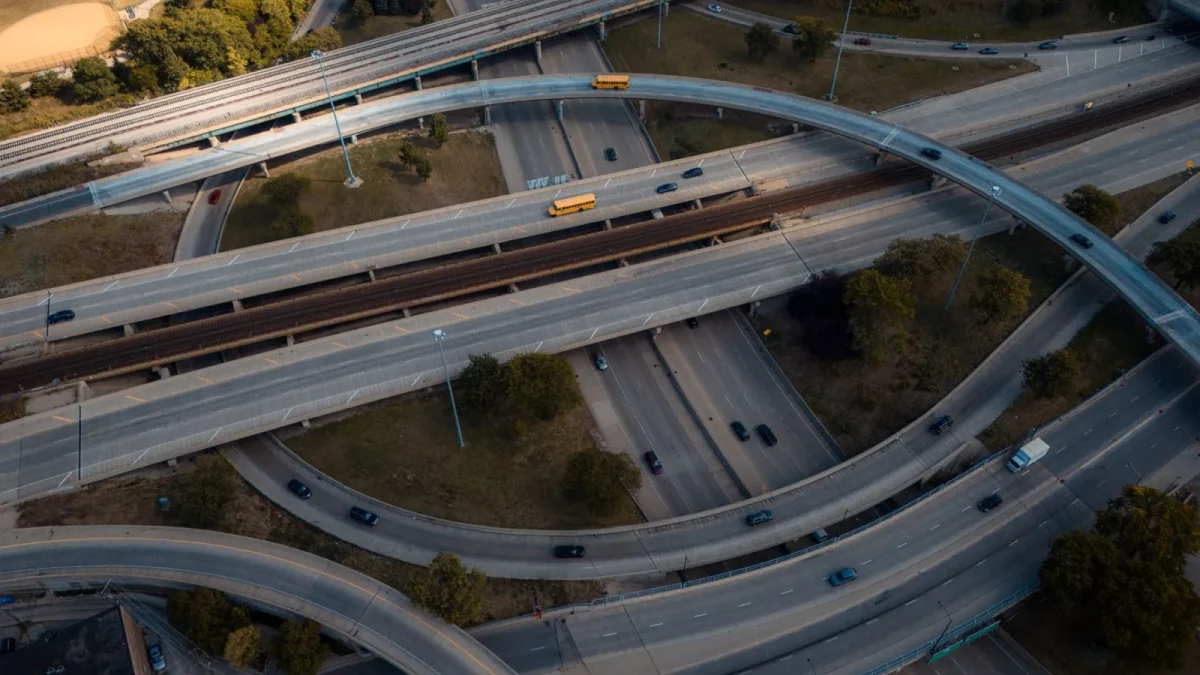
An overpass at the crest of a hill can look like a solid object dead ahead. A dark shadow line across the lane can read like a barrier. A stopped car sitting just off your path in a curve can appear to be directly in front of you. The system is not broken in these moments so much as fooled.
Good to know
Radar sees metal and motion; the camera sees shapes and contrast. When both briefly agree that a threat exists, the car brakes. Most phantom events are one sensor being confidently wrong for a split second.
Step 1: clean and inspect your sensors
Start with the cheapest fix. A grimy radar or a bug-caked camera lens feeds the computer bad data, and bad data means bad decisions.
- Wipe the windshield glass in front of the camera behind your rearview mirror until it is streak-free.
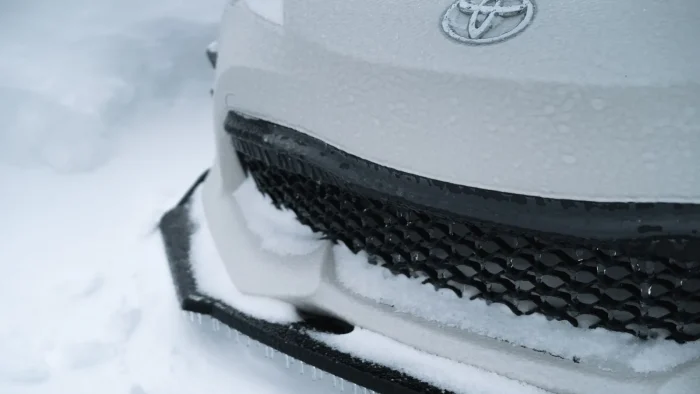
- Clean the radar zone behind the front emblem or lower grille, removing bugs, road film, mud, and ice.
- Check for a loose or crooked license plate or frame partially covering the sensor.
- Look for aftermarket add-ons like grille guards or plate frames that block the sensor’s view.
- Confirm no recent front-end body damage has nudged the radar bracket out of alignment.
You would be amazed how often a $2 cleaning ends a $500 headache. If cleaning helps but the problem returns, that points to something deeper, which our overview of why your car brakes for no reason breaks down further.
Step 2: adjust your following-distance setting
Many systems let you set how much gap you want to a lead car, usually short, medium, or long. If you run the longest gap, the car reacts to vehicles farther ahead, which increases false triggers on the highway.
Try dialing the following distance to medium. You still get plenty of protection, but the system stops reacting to cars three lanes over or far down the road. This one menu change quiets a lot of nuisance braking for my customers.
Tip
Note exactly where and when your phantom braking happens. Same overpass every commute? A specific shaded curve? A pattern tells a technician whether it is a location-triggered quirk or a genuine fault, and it speeds up the diagnosis.
Step 3: check for a software update
Automakers push updates that improve how the system interprets overpasses, shadows, and stopped traffic. Tesla, Toyota, Subaru, Honda, and Ford have all shipped calibration refinements over the years specifically to cut phantom braking.
Call your dealer with your VIN and ask if there is an open software update or technical service bulletin for your pre-collision or forward-collision system. Some updates install over the air; others need a quick shop visit. This is frequently the real fix on newer cars.
Half the phantom braking cases I could not solve with a rag were solved with a software update the owner never knew existed.
Step 4: change how you drive through the trigger spots
You cannot rebuild the highway, but you can reduce the odds. When you approach a known trigger, like an overpass at a hill crest, keep steady and be ready. Do not tailgate the car ahead through curves, since a lead car drifting out of your lane in a bend is a classic false trigger.
In heavy shadow zones under bridges, a light touch on the accelerator signals your intent and can override a hesitant system on some cars. None of this is a cure, but it lowers the frequency while you chase the root cause.
Step 5: know when it is a real fault
If the basics do not help and the car brakes hard on open, empty road with clean sensors and current software, stop troubleshooting and get it scanned. That pattern points to a misaligned radar, a bad camera calibration, or a failing sensor.
This is especially true if you recently had front bumper work or a windshield replaced, since both disturb the sensors. Our guide to AEB warnings after a windshield replacement explains why glass work throws the camera off and why recalibration is required.
Watch out
Never solve phantom braking by permanently disabling AEB and leaving it off. You give up genuine crash protection. If a fault is bad enough that you feel you must switch it off, that is your cue to get it repaired, not to live without the safety net.
When you might briefly turn it off
There are narrow cases, like a long stretch of a known trigger road, where a driver temporarily switches the system off. If you go that route, do it safely and turn it back on, and read our walkthrough on how to turn off automatic emergency braking so you know your car’s exact steps.
For the bigger picture on how this system works, why it exists, and how it connects to your other alerts, our main guide to automatic emergency braking explained ties it all together. If you want to see how regulators track these systems and their real-world performance, the NHTSA site is the authoritative source.
Work the steps in order: clean the sensors, adjust the gap, update the software, adapt your driving, and escalate to a tech if it persists. Most drivers I help never make it past step three. Phantom braking is unnerving, but on the highway it is usually a solvable problem, not a permanent one.
Questions drivers ask
At a hill crest, the forward radar can briefly read an overpass as a solid object in your lane. The system errs toward safety and brakes. Software updates and correct sensor alignment reduce how often this happens.
In many cases, yes. A dirty camera lens or a grimy radar behind the front emblem feeds bad data to the computer. A quick cleaning of the glass and sensor zones resolves a surprising number of nuisance events.
Often it helps a lot. Automakers regularly ship updates that improve how the system reads overpasses, shadows, and stopped traffic. Call your dealer with your VIN and ask about open updates or bulletins for your model.
Only briefly and safely if at all, then turn it back on. Leaving it off gives up real crash protection. Persistent phantom braking is a signal to get the system repaired, not to abandon the safety feature.
If the car brakes hard on open, empty road with clean sensors and current software, or after recent bumper or windshield work, suspect a misaligned radar or bad camera calibration. Get it scanned by a technician.