Here is something I learned the hard way after fifteen years in the bay: most “broken” lane keep systems are not broken at all. They are switched off, and the driver did it without realizing. Not on purpose, not with a button they remember pressing, but through a handful of small habits that quietly tell the car to stop helping.
I keep a mental tally of the reasons a lane keep assist warning stays dark when a customer swears it used to light up. The list is short, it repeats, and almost every item is something the driver can fix in the parking lot before ever booking a diagnostic.
So before you spend money chasing a fault code, walk through the honest mistakes below. One of them is probably the whole story.
Key takeaways
- A dirty or filmed windshield right in front of the camera is the number one silent killer of lane keep assist.
- Many cars disable lane assist automatically in Sport, Sport+, or towing drive modes.
- The system quits below a minimum speed, usually around 37 to 45 mph, and that is by design.
- Aftermarket dash cams, parking passes, and toll transponders stuck near the camera can blind it.
- Turning off traction control or the master safety menu can drag lane assist off with it.
Mistake 1: Leaving grime right where the camera looks
The forward camera for almost every lane keep system lives in a small housing behind your windshield, usually up near the rearview mirror. It peers out through one specific patch of glass. If that patch is smeared, hazed, or bug-splattered, the camera sees mush.
I have had cars come in with a spotless-looking windshield that still failed. The trick is that a thin oily film, the kind that builds up from off-gassing dash plastic, is nearly invisible in normal light but scatters the camera’s view badly.
Clean the inside of the glass, not just the outside. Use a proper glass cleaner and a microfiber towel, and pay special attention to the wedge of windshield directly ahead of the camera housing.
Tip
Wipe the inside glass in the camera zone with a fresh microfiber and a dab of automotive glass cleaner every few weeks. It takes two minutes and clears up more phantom lane assist faults than any scan tool I own.
If the system drops out only in certain light or after the car has baked in the sun, a hazy interior windshield is my first suspect every single time.
Mistake 2: Driving in the wrong drive mode
This one surprises people. A lot of vehicles are programmed to relax or fully disable driver aids when you select a sportier drive mode. The logic from the factory is that if you asked for Sport, you want to feel connected and do not want the wheel nudging back.
Toyota and Lexus models with a Sport S+ setting, several German cars in their dynamic modes, and plenty of performance trims behave this way. Flip into Sport or Track, and lane trace or lane keep may go quiet automatically.
Towing mode does the same thing on many trucks and SUVs. The moment you drop it into a haul or tow setting, the steering assist logic often steps aside.
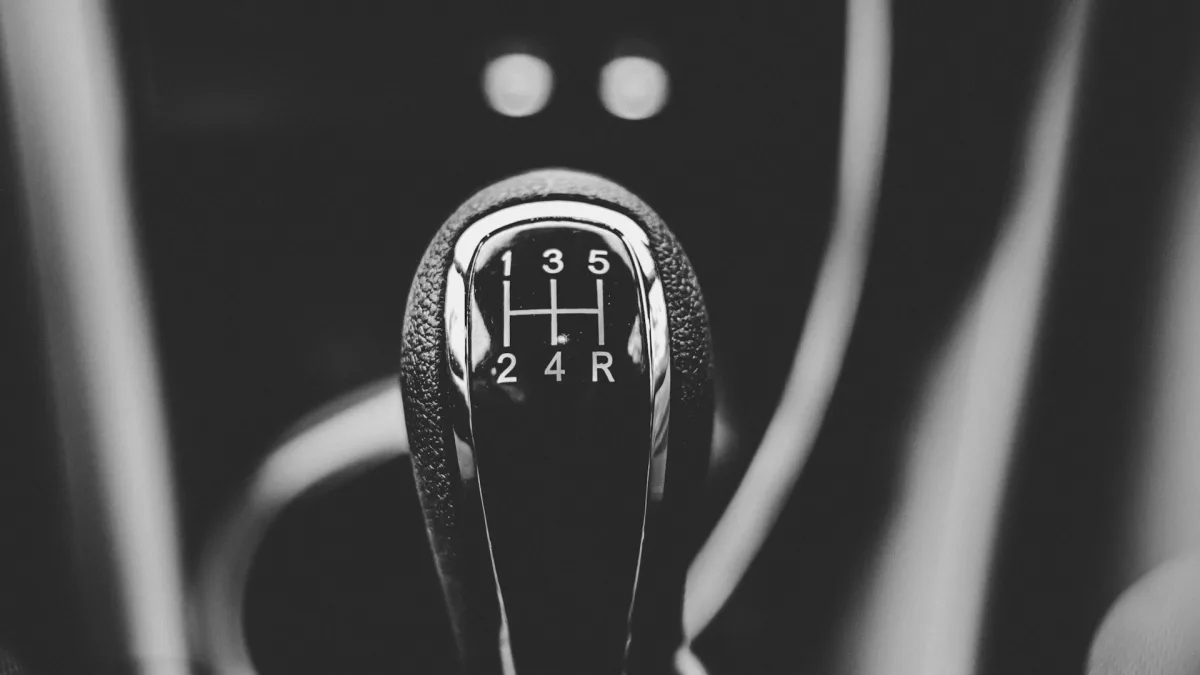
The fix is simple once you know to look. Put the car back in Normal, Comfort, or Eco and see if the icon returns. If it does, there was never anything wrong. This is one of the everyday reasons covered in our guide to why lane keep assist keeps turning off.
Mistake 3: Expecting it to work below the speed threshold
Lane keep assist is a highway tool. Every system has a minimum activation speed, and below it the feature simply will not engage. Depending on the brand, that floor sits somewhere around 37 to 45 mph.
Drivers testing the system on a 30 mph suburban street conclude it is dead. It is not. It is waiting for highway speeds, exactly as engineered.
Good to know
Lane centering systems that operate in traffic jams, like some Honda Sensing and Toyota setups paired with full-speed adaptive cruise, have a lower or no minimum speed. Plain lane keep assist without that pairing usually needs 40-ish mph before it turns on.
If you want the clean distinction between a system that only kicks in at speed and one that holds you centered at all speeds, our breakdown of lane centering versus lane keep assist spells it out.
Mistake 4: Blocking the camera with accessories
People love to decorate the top of the windshield. Dash cams, radar detectors, toll transponders, oil-change reminder stickers, parking garage passes, and phone mounts all tend to migrate up toward the mirror. That is precisely where the lane camera needs a clear view.
I once spent twenty minutes chasing a Subaru EyeSight complaint before I spotted a fuzzy dice-sized air freshener dangling right across the dual camera lenses. Moved it, and the system woke up instantly.
- Move dash cams and radar detectors off to the passenger side of the mirror.
- Peel old inspection and oil stickers out of the camera’s sightline.
- Keep toll transponders low and to the side, not centered up high.
- Check that a windshield sunshade or phone mount is not creeping into the camera window.
- After any accessory install, glance up and confirm the camera has a clean view forward.
Mistake 5: Disabling the master safety menu and forgetting
Modern cars bury a master switch for the driver assistance suite somewhere in the touchscreen menus. Turn that off, or turn off a foundational system like traction control, and lane keep assist can go dark as a side effect.
Some vehicles reset these settings to on at every start. Others remember your last choice. If a passenger or a valet poked through the menu, you might inherit a disabled system without knowing.
Watch out
Never assume the system re-armed itself just because you started the car. On vehicles that remember settings, a lane assist you switched off months ago will stay off until you deliberately turn it back on. Check the menu before you trust it on a long drive.
Walk the settings screen slowly. Look for a driver assist or safety submenu, confirm lane keep or lane trace shows enabled, and while you are there make sure lane departure alerts are on too. If the difference between those two features is fuzzy, our comparison of lane keep assist versus lane departure warning clears it up.
Mistake 6: Ignoring a calibration the car needs
Here is a mistake that is less about a button and more about neglect. If the forward camera lost its calibration, the system may refuse to operate until a shop restores it. This happens after a windshield replacement, a front-end collision repair, or certain suspension and alignment jobs.
A glass shop that swaps your windshield without recalibrating the camera leaves you with a system that looks installed but will not function. I see this constantly with mobile glass replacements done on the cheap.
A new windshield without a camera recalibration is like new glasses with the old prescription. It looks right and works wrong.
If your lane assist went dead right after a glass job, that is not a coincidence, and it is covered in detail in our piece on lane keep assist off after a windshield swap. Budgeting for that service ahead of time helps, so our rundown of lane keep assist camera calibration cost gives you real numbers.
A quick self-check before you pay for diagnosis
Run this loop before you assume the worst. It catches the vast majority of self-inflicted shutoffs I see roll through the door.
| Symptom | Likely mistake | Quick fix |
|---|---|---|
| Drops out only when hot or sunny | Hazy interior windshield | Clean inside glass at camera |
| Off in Sport, on in Normal | Drive mode disables it | Return to Normal or Eco |
| Never engages under 40 mph | Below speed threshold | Test on the highway |
| Dead after a glass job | Missed camera calibration | Book a recalibration |
The point of all this is reassurance. A lane keep system that seems broken is usually just switched off by something small and reversible. Safety groups like the IIHS have shown these features cut real lane-departure crashes, so it is worth the two minutes to get yours back online.
Work the list, clear the obvious mistakes, and if the icon still refuses to light on a clean, marked highway, then it is time for a proper scan. For the full picture of how the system is supposed to behave, keep our complete lane keep assist guide handy.
Questions drivers ask
Most often it was switched off by something small. Check for a hazy interior windshield in front of the camera, a sportier drive mode, or a menu setting that got turned off. These account for the majority of sudden shutoffs I see, and all of them are free to fix.
Yes, on many vehicles. Sport, Sport+, Track, and towing modes are often programmed to relax or disable steering aids. Switch back to Normal, Comfort, or Eco and the system usually returns. If it comes back, nothing was ever broken.
It can. Dash cams, radar detectors, toll transponders, and stickers placed near the rearview mirror sit right where the forward camera looks. Move accessories off to the side and keep the patch of windshield ahead of the camera clear.
The forward camera needs recalibration after the glass is replaced. A shop that swaps the windshield without recalibrating leaves the system installed but non-functional. Book a camera recalibration to restore it, which typically runs a few hundred dollars.
Most systems have a minimum activation speed around 37 to 45 mph. Below that floor the feature simply will not engage, so testing it on a slow suburban street makes it look dead when it is only waiting for highway speed.