Most drivers never think about their low-speed city braking until the morning it stops speaking to them. The little symbol that used to reassure them in stop-and-go traffic is now amber, or gone, and the car feels a step less watchful in exactly the crawl where fender-benders happen most.
Here is the part that catches people off guard. Nine times out of ten, the system did not break. Something the driver did, or did not do, quietly switched it off.
I have chased down these faults for years, and the same handful of habits keep showing up. Let me walk you through the mistakes that disable city braking support, so you can spot yours before it costs you a diagnostic fee.
Key takeaways
- City braking support is a short-range system that leans on a small camera or laser sensor, so anything blocking that window shuts it down fast.
- Most “city brake support not working” messages come from a dirty sensor, a low battery, or an accessory the driver installed, not a failed part.
- Aftermarket tint, dash mounts, and cheap windshield glass are three of the most common owner-caused triggers.
- A five-minute cleaning and a restart clear a surprising share of these warnings before you ever reach a shop.
What city braking support actually is
City braking support goes by a lot of names. Honda calls the small-radar version part of Honda Sensing, Mazda uses Smart City Brake Support, Volkswagen brands it City Emergency Braking, and older Subarus lean on the twin-camera EyeSight setup. They all do the same core job.
These systems watch the road directly ahead at low speed, usually below about 20 to 30 mph, and brake for you if you are about to nudge the car in front. It is the pared-down, city-traffic cousin of full automatic emergency braking, tuned for parking lots and rush-hour crawl.
Because the range is short and the speeds are low, these systems often use a single compact sensor: a laser unit or a narrow camera tucked at the top of the windshield. That single point of failure is exactly why small mistakes hit them so hard.
Good to know
On many cars the low-speed city function and the high-speed forward collision system share one camera. So a mistake that disables city braking often knocks out your forward collision warning at the same time. One blocked sensor, two features down.
Mistake 1: Blocking the sensor without realizing it
This is the number one cause, and it is almost always accidental. The camera or laser sensor needs a clear view through a small patch of glass, and drivers cover it constantly.
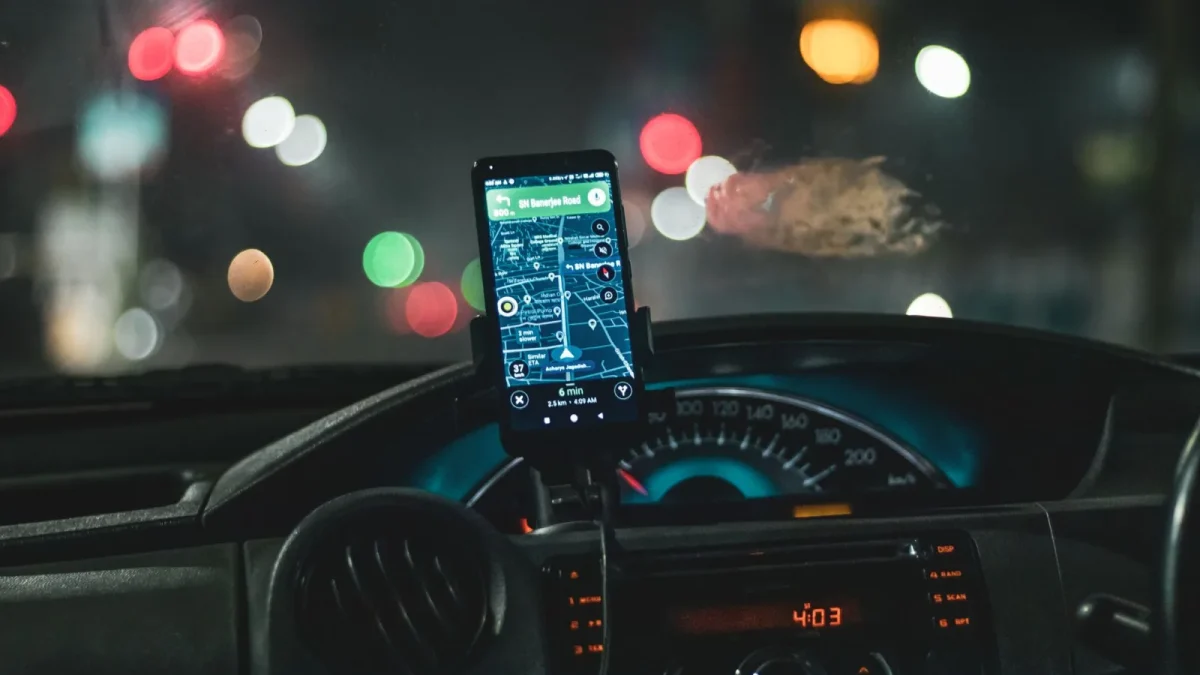
I have pulled toll transponders, radar-detector suction mounts, phone holders, air-freshener clips, and dealer inspection stickers off that exact spot. Every one of them was enough to trip a fault.
- Move any dash-cam or phone mount away from the top-center of the windshield
- Peel off stickers, parking permits, and old registration tags near the mirror
- Keep dangling items off the mirror stem where they swing into the camera view
- Never mount an aftermarket sensor or antenna in the camera’s window
If your message appeared right after you added a gadget to the windshield, you have almost certainly found your culprit. Take it off and restart the car.
Mistake 2: Ignoring a dirty or iced-over window
The camera looks through glass, and glass gets filthy. Bug splatter in summer, road film in the rain, and a sheet of frost in winter all read as a blocked view.
The system does not know the difference between a permanent obstruction and this morning’s ice. It just knows it cannot see, so it shuts off to avoid guessing.
Tip
Clean the inside of the windshield too, not just the outside. Interior haze from off-gassing plastics builds a film right over the camera that no amount of exterior washing will touch. A glass cleaner and a microfiber cloth on both sides is the fix.
Cold weather deserves its own note, because ice and slush cause these faults constantly. If yours acts up mainly in the cold months, our guide on why AEB stops working in winter weather covers the seasonal traps in detail.
Mistake 3: Running the battery down and never noticing
City braking support is voltage-sensitive. These camera and sensor modules want steady, healthy power, and a tired 12-volt battery gives them dropouts that read as a fault.
Drivers rarely connect the dots. The car still starts, the lights still work, so the battery seems fine. Meanwhile the driver-assist modules are the first components to complain when voltage sags.
If your safety systems get flaky before your headlights do, suspect the battery long before you suspect the sensor.
Watch out
A battery that is three or four years old and living in a hot climate can pass a quick-look test and still starve the ADAS modules. If your city braking warning comes and goes with no obvious cause, have the battery load-tested before you spend a dime on sensor diagnostics.
Mistake 4: Cheap windshield glass and skipped calibration
This one costs people the most, and it is entirely avoidable. When the windshield gets replaced, two things go wrong more often than they should.
First, a bargain aftermarket windshield may have optical distortion or the wrong bracket in the camera zone, and the camera cannot focus through it cleanly. Second, and more common, the shop reinstalls the camera but never recalibrates it.
Modern cameras must be recalibrated to the new glass, and skipping that step leaves the system either dead or, worse, aiming at the wrong spot. That is a leading cause of the car braking for no reason after glass work.
Good to know
Always ask a glass shop, in writing, whether ADAS camera recalibration is included. If they cannot do it, they should send you to someone who can. Calibration typically runs $150 to $400, and it is not optional on a camera-based system.
Mistake 5: Turning it off and forgetting you did
Some drivers disable city braking on purpose, hit a button in frustration, and then panic weeks later when they notice the feature is gone. On many cars, the off state does not reset at restart the way full AEB does.
Check your driver-assist menu or the button cluster near your left knee before assuming a hardware fault. You may have simply switched it off. If you meant to, and want to understand the tradeoffs, see our walkthrough on how to turn off automatic emergency braking.
Mistake 6: Letting minor bumps go unchecked
A parking tap on the front bumper feels like nothing, but it can nudge a bumper-mounted sensor a few degrees out of aim. The camera version is more forgiving, but any front-end knock is worth a scan.
Drivers who shrug off a low-speed collision are often the same ones back a month later with a stubborn city brake support warning that will not clear. The two events are connected more often than they think.
How to clear a city brake support warning yourself
Before you book anything, run this quick sequence. It resolves a large share of these messages at the curb, for free.
- Remove any accessory near the windshield camera zone
- Clean the windshield inside and out at the top-center, near the mirror
- Check that the front sensor area and grille are free of ice, snow, and mud
- Confirm the feature is switched on in the driver-assist menu
- Restart the engine and drive a short loop to let the system re-check itself
If the warning clears and stays gone, you are done. If it comes right back, the next step is a proper scan to read the fault code rather than guessing.
When it is genuinely time for a shop
A warning that returns within a day or two, or one that never clears at all, points to something the driveway cannot fix: a calibration need, an alignment issue, or an actual sensor fault. That is worth a diagnostic.
Expect the code to fall into one of three buckets: blocked sensor, out-of-calibration, or hardware failure. The first two are cheap and common. For the full price picture across systems, our breakdown of the cost to fix automatic emergency braking lays out what each repair really runs.
City braking support is a genuinely useful safety net in the exact place most low-speed crashes happen. Keep its window clean, keep gadgets out of its view, and keep the battery healthy, and it will keep quietly watching the bumper ahead of you. For an outside take on how these low-speed features are tested and rated, the IIHS advanced driver assistance resource is a straight, no-hype read.
Questions drivers ask
The most common reasons are a blocked or dirty windshield camera, a low 12-volt battery, or an accessory mounted in the sensor's view. Because the system uses a short-range camera or laser, anything covering that small patch of glass shuts it down. Clean the area, remove gadgets, and restart before assuming a hardware fault.
Yes. If the dash cam, phone mount, or toll transponder sits near the top-center of the windshield, it can block the driver-assist camera and trigger a fault. Move any accessory away from the mirror zone and restart the car to see if the warning clears.
It can, in two ways. Cheap aftermarket glass may distort the camera's view, and many shops reinstall the camera without recalibrating it. Camera-based systems must be recalibrated to the new glass, which typically costs $150 to $400, so always confirm calibration is included.
Yes. These camera and sensor modules are voltage-sensitive and complain before your headlights do. A battery that is three or four years old can pass a quick test and still starve the ADAS modules. Have it load-tested if the warning comes and goes with no obvious cause.
Remove any accessory near the camera, clean the windshield inside and out at the top-center, clear ice or mud off the front sensor, confirm the feature is on in the menu, then restart and drive a short loop. If the warning returns, get a diagnostic scan to read the exact fault code.